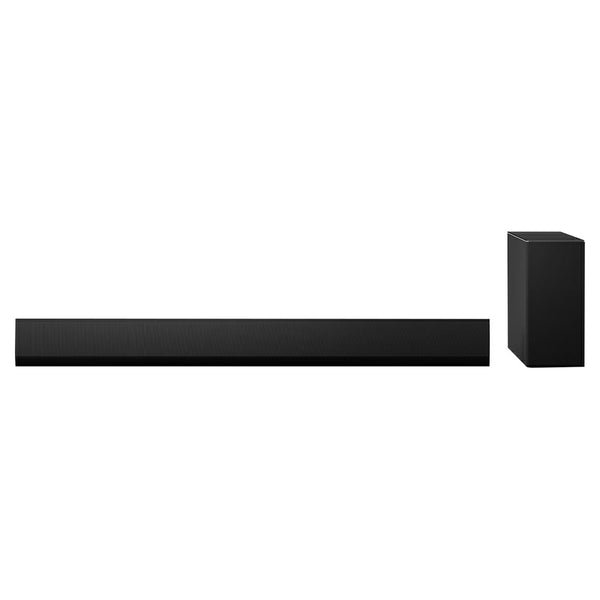
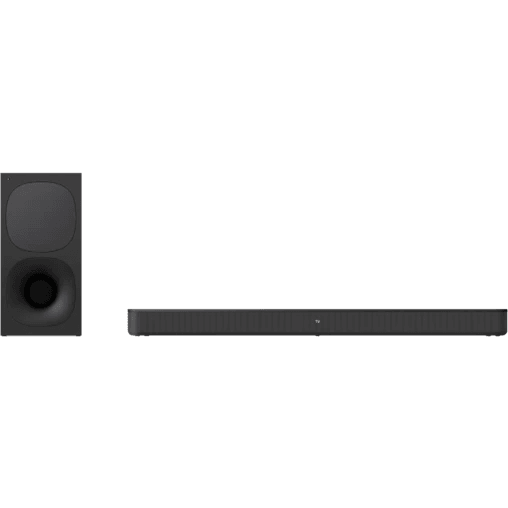
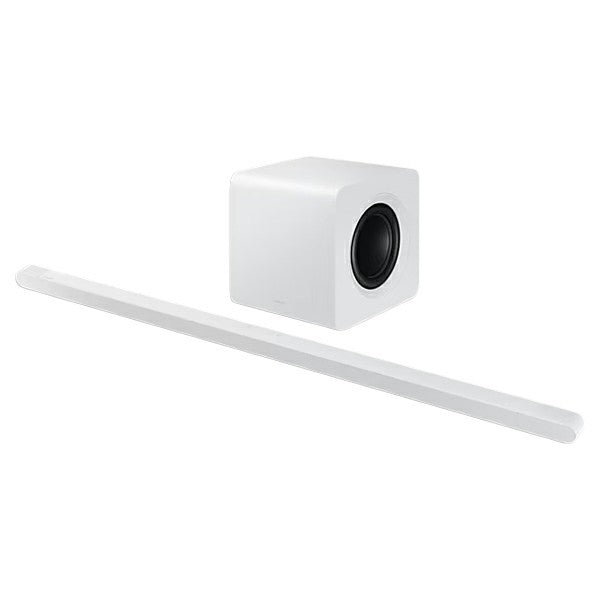
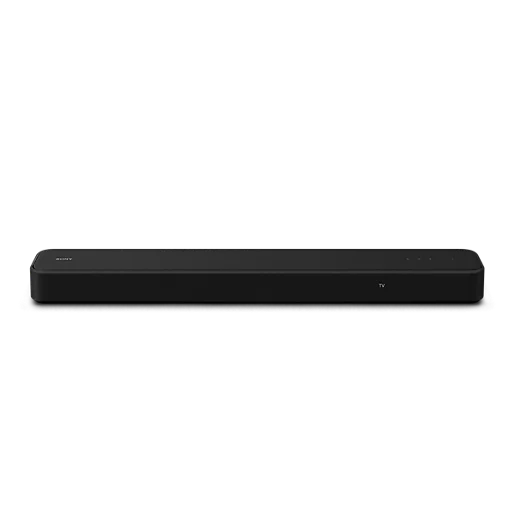
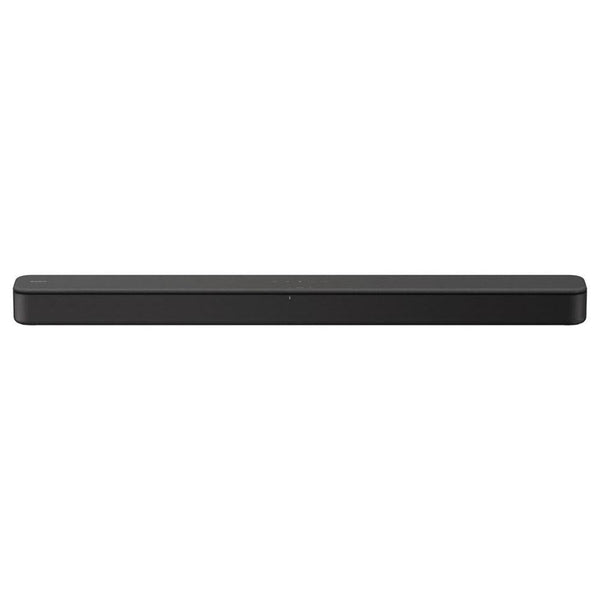
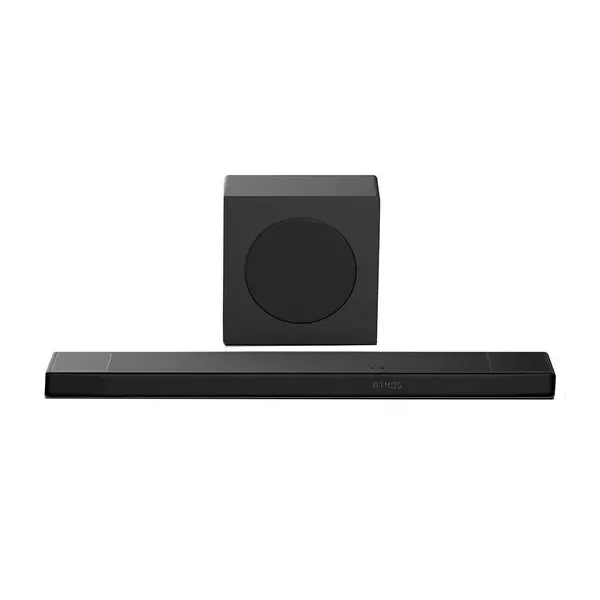

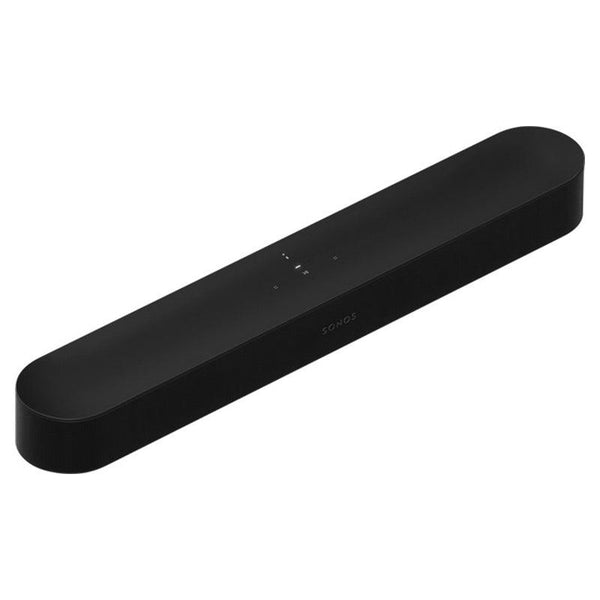
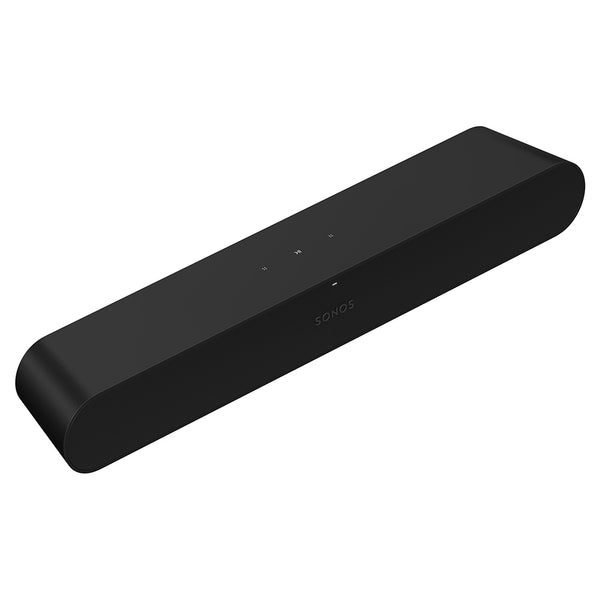
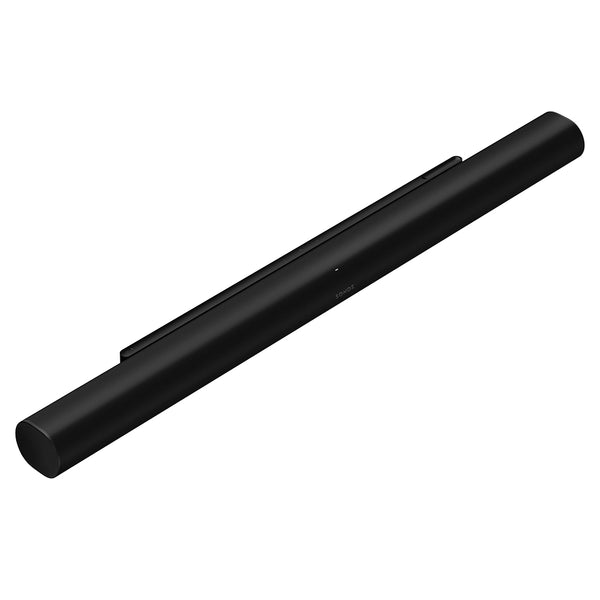
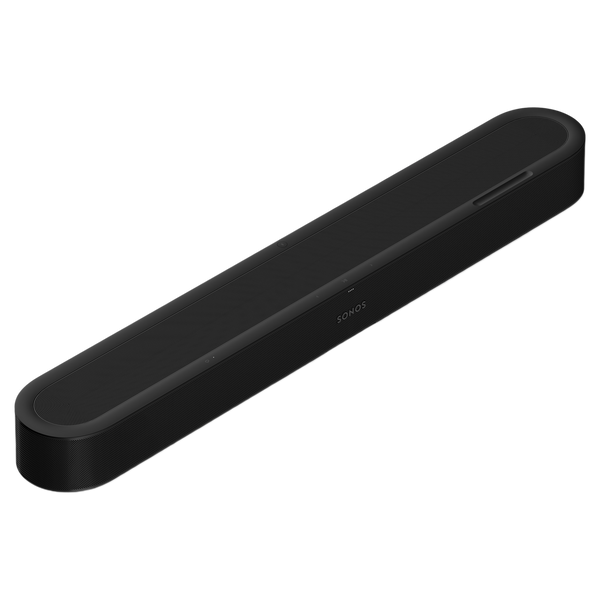
True Dolby Atmos sound and clear dialogue from a compact soundbar that fits your room and grows into a full system.
7.1.2 Dolby Atmos with upward-firing drivers that place sound all around the room. AI Speech Enhancement keeps dialogue clear – even when the room gets loud. Stream music from your favourite services over WiFi. Or pair a Bluetooth device. Add a subwoofer or surrounds whenever you're ready. Put Sonos in every room and fill your whole home with sound.
Above. Around. Beyond
Looks like Beam. Sounds entirely new
Movies sound wider. Dialogue sounds clearer. Bass hits harder. And the sound comes from every direction. It all fits into a design nearly the same size as Beam.
Dolby Atmos - The whole room, filled
With Dolby Atmos, you get true 7.1.2 surround sound. Cars move across the room. Rain falls from overhead. Whispers land beside you. Every moment feels bigger and more realistic.
Soundbar today. Whole system whenever
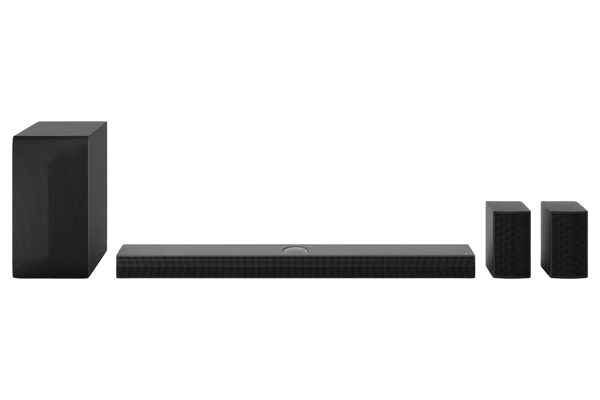
Add a sub for extra oomph. Add surrounds to get lost in every scene. Put Sonos in every room and fill your home with music.
Sound that reads the room
Dialogue as clear as you want
AI Speech Enhancement makes dialogue clearer when the action gets loud or the room gets noisy. Adjust the level in the Sonos app.
Hear more at low volumes
Watch without waking the house. Night Sound reduces the intensity of loud sounds and enhances quieter details.
Tuned to your room
Trueplay analyses the acoustics of your room and tunes Beam Ultra accordingly. Open floor plan or cosy space – it sounds just right.
Connects in minutes
Connect Beam Ultra to your TV, and the Sonos app guides you through setup. Your existing remote works automatically.
Surrounds that get around
Use a pair of Sonos Plays or Move 2s as rear surrounds. When you're done watching, they're portable speakers for the rest of the house.
Surround sound for you. Silence for them
Send TV audio to your Sonos headphones – Dolby Atmos and all. You get to watch at full volume, and no one else has to hear a thing.
Won’t steal the show
Slim enough to sit under your TV and designed to disappear. Place it on furniture or mount it with the Beam Ultra Wall Mount.
Control with a click, tap, or your voice
Apple AirPlay 2
Stream from your Apple device. Ask Siri to play Apple Music.
Your favourite apps
Control Sonos directly from Spotify, TIDAL, and more.
TV remote
Works with the remote you already have.
Sonos app
Find all your music and settings in one place.
Touch controls
Tap to play, pause, and skip. Slide to adjust the volume.
Sonos Voice Control
Play music and control your system without lifting a finger.
Bluetooth
Pair a Bluetooth device with the press of a button.
Amplifiers
Nine Class-D digital amplifiers tuned to the soundbar’s acoustic architecture.
Tweeters
Five tweeters faithfully reproduce high and mid-range frequencies. The forward-firing mid tweeter provides a smooth centre image. Two side-firing horn-loaded mid tweeters create stereo separation. Two upward-firing tweeters loaded into a directional horn support spatial audio with Dolby Atmos.
Woofers
Four low-profile woofers deliver powerful bass.
Microphones
Far-field microphone array uses beamforming and multichannel echo cancellation for voice control, Trueplay tuning, and connecting Sonos Play or Move 2 surrounds. Toggle off the mic switch to disconnect.
Adjustable EQ
Use the Sonos app to adjust bass, treble, and loudness.
Trueplay
Measures the acoustics of the room and fine-tunes the EQ. Compatible with iOS and Android devices.
AI Speech Enhancement
AI detects human voices to improve dialogue clarity. Choose from four levels of Speech Enhancement in the Sonos app.
Night Sound
Reduces the intensity of loud sounds and enhances quieter sounds. Enable in the Sonos app.
Home Cinema audio formats
The Sonos app's Now Playing screen will display what type of audio is being decoded.
Dolby Atmos Music
Dedicated upward-firing drivers support Dolby Atmos Music for spatial audio playback.
TV Audio Swap
Swap TV audio between the soundbar and Sonos headphones.
Simulated Overhead Sound
Optimises overhead sound effects for when the top of the product is obstructed. Select your setup in the Sonos app.
LEDs
Lights on the product indicate connection, microphone activity, and mute status.
Touch
Use the capacitive touch controls to play, pause, skip, replay, adjust the volume, turn off voice assistant, and group or ungroup Sonos products.
Bluetooth Button
Press to pair a Bluetooth device.
Mic Switch
Toggle off the switch on the back of the product to disconnect power to the microphones.
Wireless Networking Interface
Compatible with WiFi 6. Connect to Wi-Fi with any 802.11a/b/g/n/ac/ax 2.4 GHz/5 GHz broadcast-capable router.
HDMI eARC
Connect to your TV's HDMI eARC/ARC port with the included HDMI cable. Optical adapter sold separately.
Bluetooth
Bluetooth 5.3 supports audio streaming from any Bluetooth-enabled device.
Voice
Works with Sonos Voice Control.
Apple AirPlay 2
Works with AirPlay 2 on Apple devices iOS 11.4 and higher.
USB-C
Connect an audio source using a 3.5 mm auxiliary cable and the Sonos Line-In Adapter. Connect your router with an Ethernet cable and the Sonos Combo Adapter (all accessories sold separately).
TV Compatibility
Not compatible with CCFL-backlit TVs (manufactured 2004-2012)
Sonos app
The latest generation of the Sonos app running on a compatible device.
Power Source
Nearby electrical outlet.
Key Features:
- Voice enabled
- Works with TV remote
Box Contains:
- Sonos Beam Ultra
- Power Cable
- HDMI Cable
- Set-up Guide and Legal/warranty Information